Book › Interface › Panels › Shortcuts
Shortcuts panel key /
A live cheat-sheet of every key and gesture - and a few you can tap.
What it is
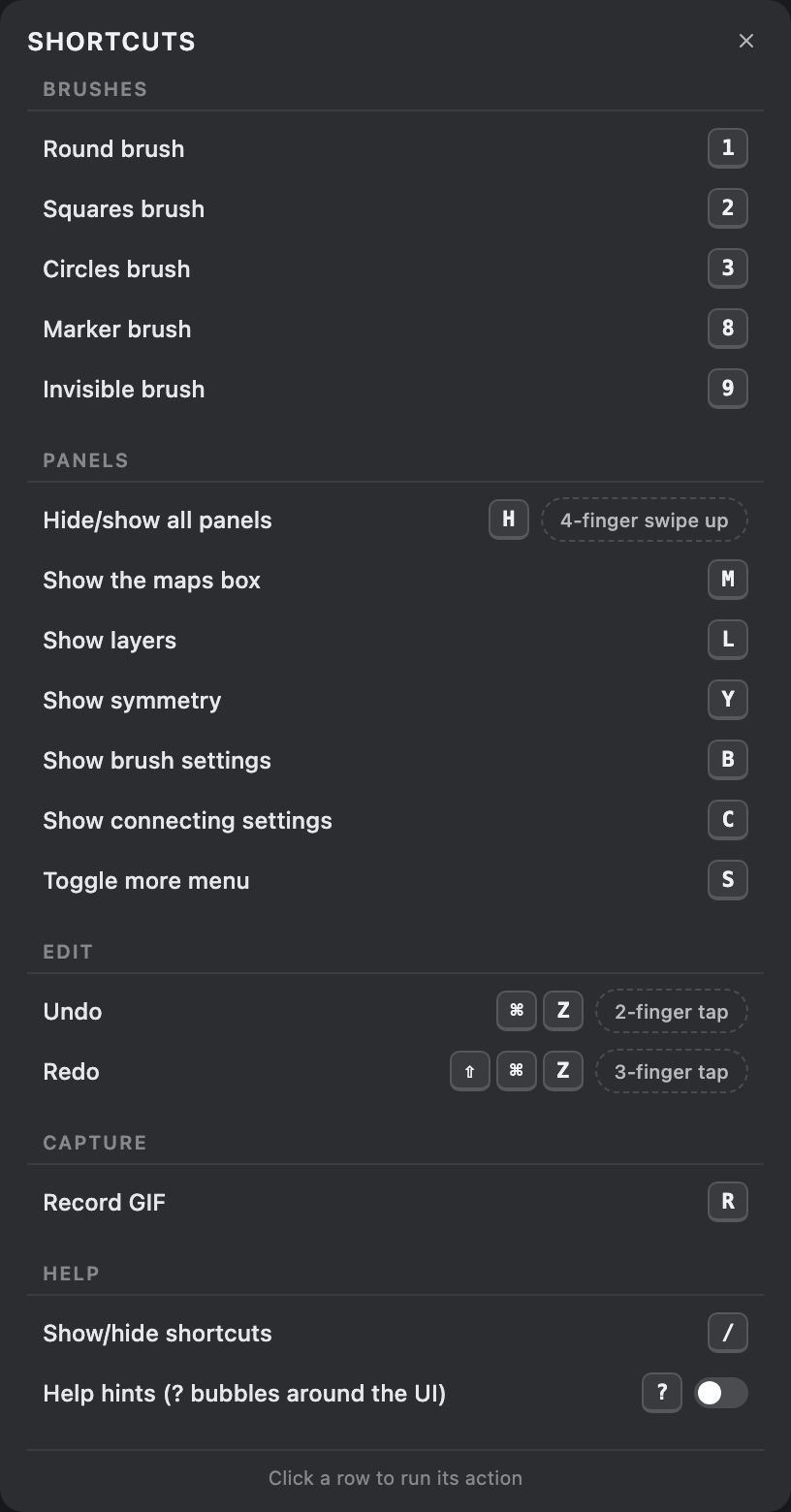
The in-app contents of Shortcuts & gestures, grouped by Brushes, Panels, Edit, Capture and Help. Open it with / or from the Windows menu. Each row is clickable - tapping it runs that action and leaves the panel open, which is how you reach keyboard-only actions on a touch device.
Notable rows
- Toggle rows
- Help hints shows a live on/off switch: flip it (or press ?) to reveal the small ? chips around the UI. On a phone this is how you turn help on - there's no ? key.
- Record GIF
- Under Capture - press r to record a few seconds of drawing.
- Gestures
- Two- and three-finger taps undo/redo; a four-finger swipe-up hides every panel.
Tip
Forget a key mid-draw? Tap / for this sheet, or
turn on Help hints to see a ? beside the
controls themselves.