Book › Interface › Panels › Layers
Layers panel key l
The stack of canvases - reorder, blend and pick where strokes and the web land.
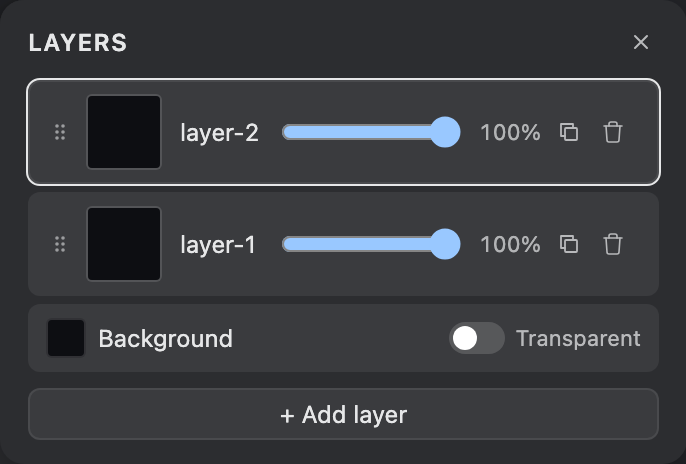
What it is
Lists your layers top-down in the order they stack on screen. Click a row to make it the active layer (where strokes - and the connecting web - land). The bottom row sets the canvas background. For the bigger picture - layers vs the shared memory - see Layers.
Per-row controls
- Grip handle
- Drag the dotted handle to reorder; up brings the layer forward, down sends it back.
- Name
- Double-click to rename.
- Opacity
- Blend the layer over the ones beneath (0-100%).
- Duplicate / Delete
- Copy a layer (a cheap snapshot) or remove it (at least one stays).
- Background row
- Set the canvas background colour, or tick Transparent for none (exports a transparent PNG).
Layers hold pixels. The points the web reaches toward - your
drawing's memory - are separate
and shared across layers.