Book › Interface › Panels › Brush settings
Brush settings key b
Tune the active brush and, for connecting brushes, the look of the web.
What it is
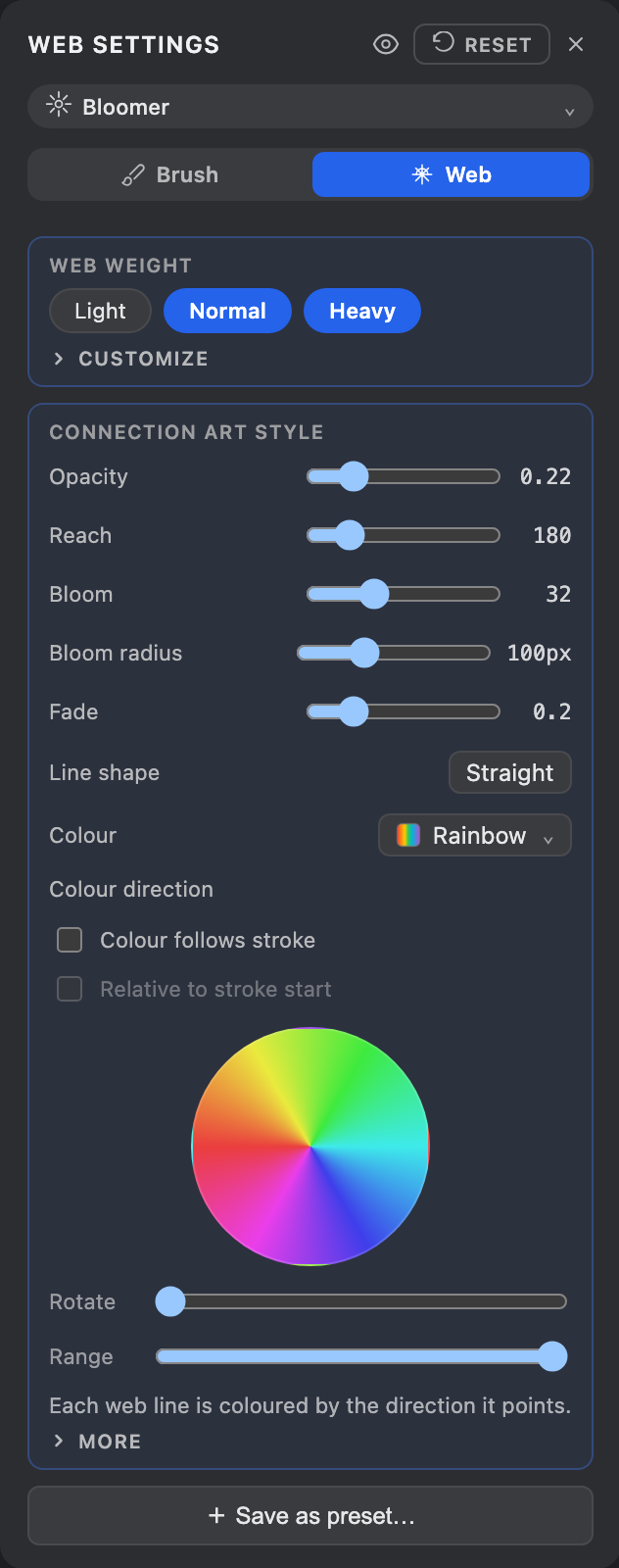
One panel with two tabs, opened from the brush pill's gear, the Windows menu, or b. The Brush tab holds size, opacity and the selected brush's own options; the Web tab (shown only for brushes that weave a web) holds the art-style dials. (The web's routing - which map it reads from / writes to - lives in the Maps panel.) Reset reverts both to defaults.
Brush tab
- Size
- Stroke width.
- Opacity
- How solid the mark is. A faint continuous stroke composites at one even alpha (no darkening where caps overlap).
- Brush options
- Whatever the active brush exposes - e.g. the dash style, or shape sizing. See Brushes.
- Pen
- With a stylus, map pressure and tilt to size, opacity, even the web - see Pen & pressure. (Gated by the pen toggle in Application settings.)
Web tab
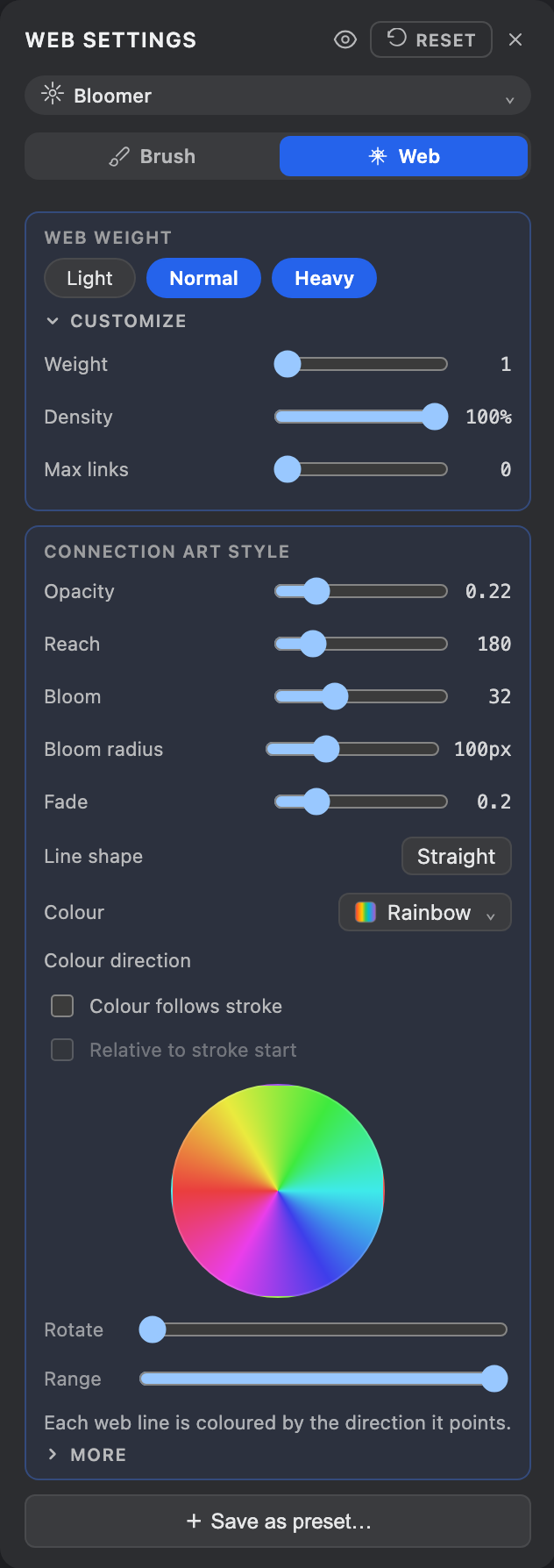
- Art style
- Pick a style (Sketchy, Web, Shaded, Chrome, Longfur, Fur, Lace…) - the quick picker also lives in the Brush combo, under Web.
- Web weight
- How heavy the web reads, as three one-click presets - Light, Normal, Heavy - that move Weight (lines per point), Density and Links together. Normal is each art style's own default (selected to start); Light thins the web out, Heavy fills it in. The numbers are tailored per style, so a heavy Web differs from a heavy Shaded. Click Customize to reveal the underlying Weight / Spread / Density / Links sliders; nudging any of them drops you to no preset (custom). Turn on help hints (?) for the inline explainer.
- Art-style dials
- How each line looks - Reach, Opacity, Fade, Curl, Grain, line shape, Color (Primary / Secondary / Gradient / Rainbow) and more. Each style surfaces the dials that shape it. Full reference in Connections.
- Save as preset
- Store the current dials as a reusable custom preset (managed from the Brush settings' Web tab).
Where the web reads its points from and writes them to -
Web routing - now lives in the
Maps panel, not this tab.
The tab bar only shows Web for brushes that
connect (Web). Non-connecting brushes show just the Brush tab.